







CELEBRATE EVERY INTERACTION
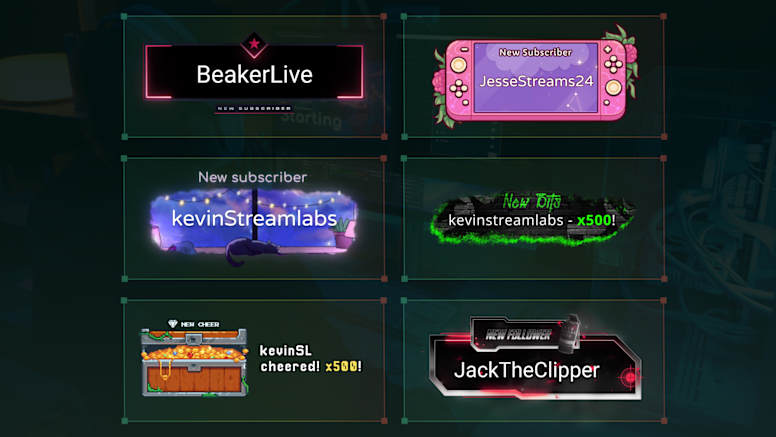
Highlight every follower, subscriber, tipper, and more with customizable on-stream alerts using Streamlabs Alert Box.

EVERYTHING YOU NEED TO GO LIVE
One download, all the tools you need to stream and record your gameplay with ease.
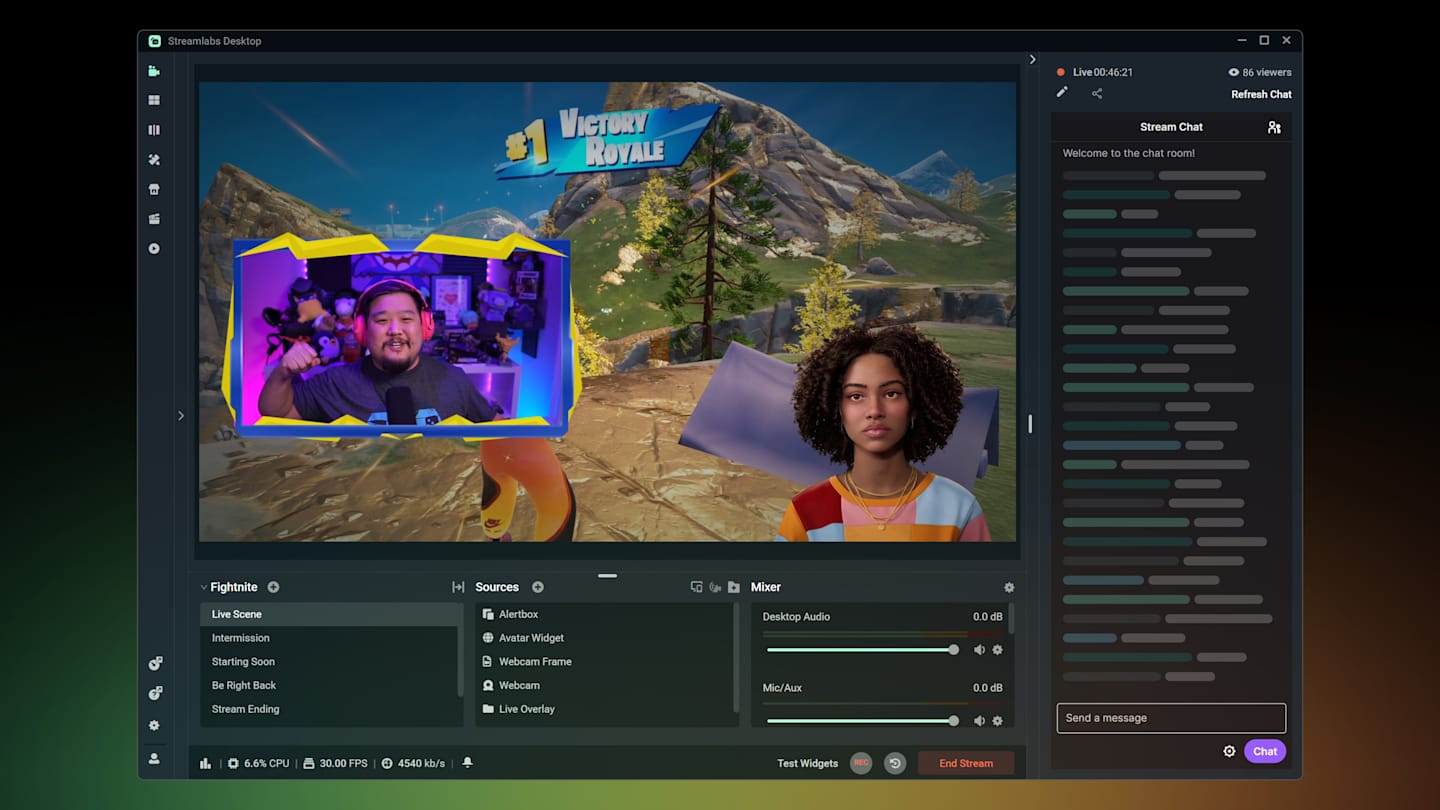
Highlight every follower, subscriber, tipper, and more with customizable on-stream alerts using Streamlabs Alert Box.
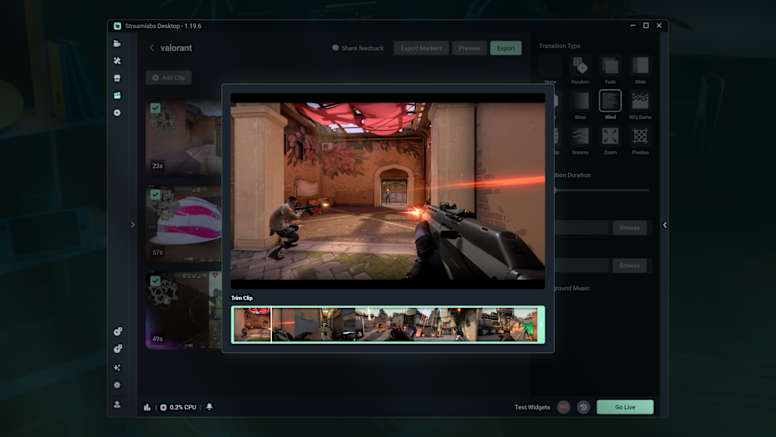
Streamlabs AI Highlighter automatically finds your best moments and turns them into shareable clips so your highlights look as good as your gameplay.
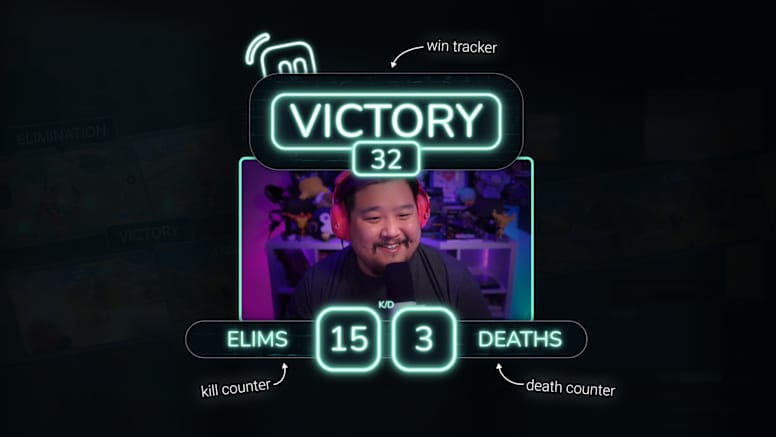
Reactive Overlays, powered by Streamlabs AI, automatically updates the on-screen stats for your eliminations, victories, and more across the most popular games.
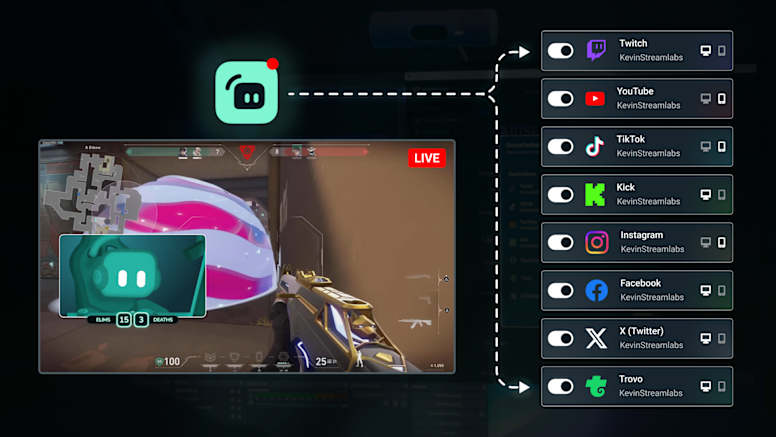
Go live to platforms like Twitch, YouTube, and TikTok at the same time with Streamlabs Multistream. Our servers handle the heavy lifting, so there’s no extra strain on your PC.
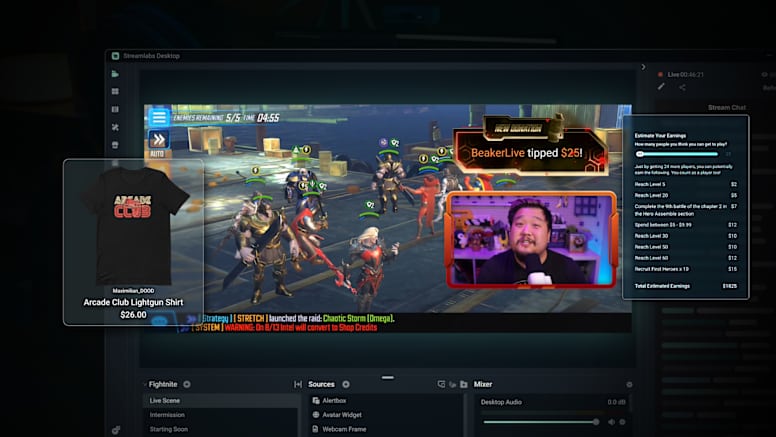
Earn money while you stream with tipping, sponsorships, and merch.
Choose how you go live with tools that let you stream from your PC, Xbox, or phone.
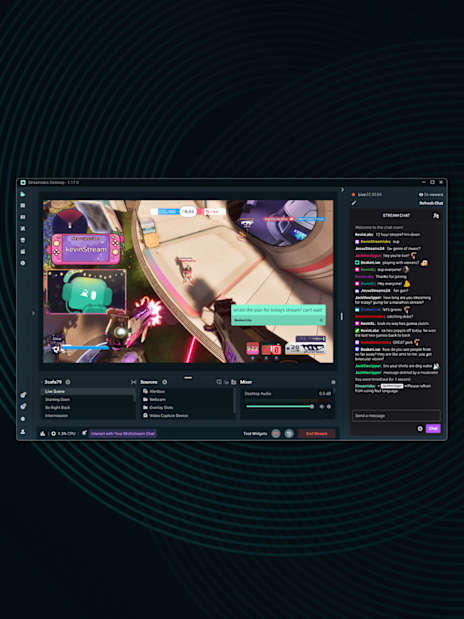
Everything you need to stream for free in one application.
LEARN MORE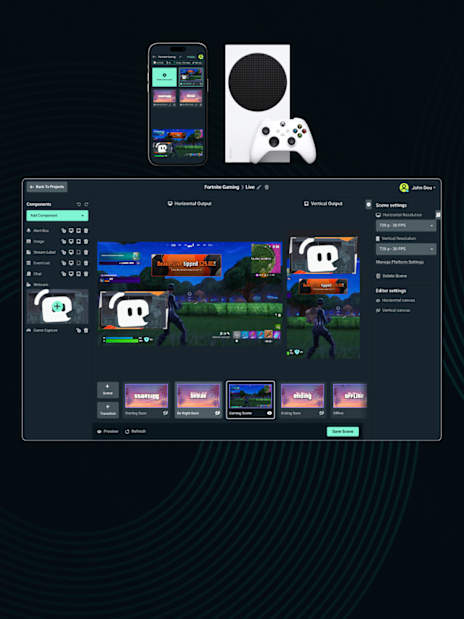
Live stream your Xbox gameplay, no PC or capture card required. Set up and control your stream from any browser.
LEARN MORE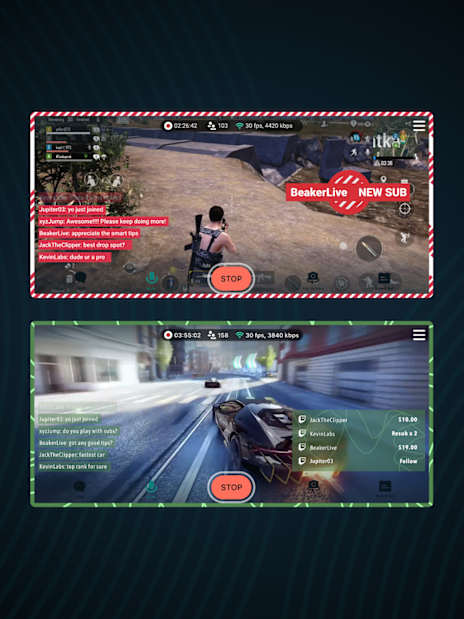
Stream mobile games or IRL from your phone or tablet. Available for iOS and Android.
LEARN MORE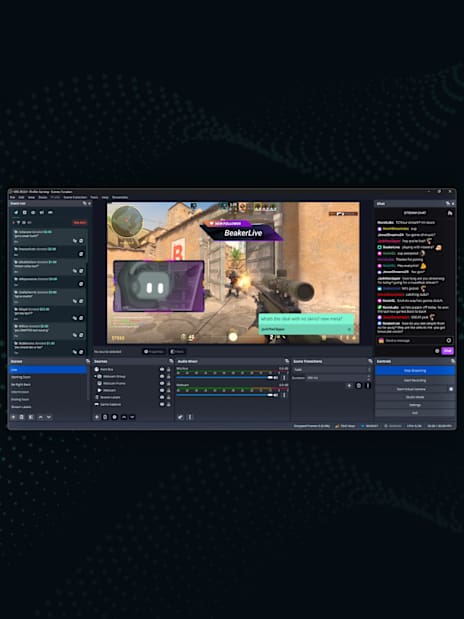
Get the benefits of Streamlabs alerts, multistreaming, overlays, and more directly in OBS Studio.
LEARN MORE